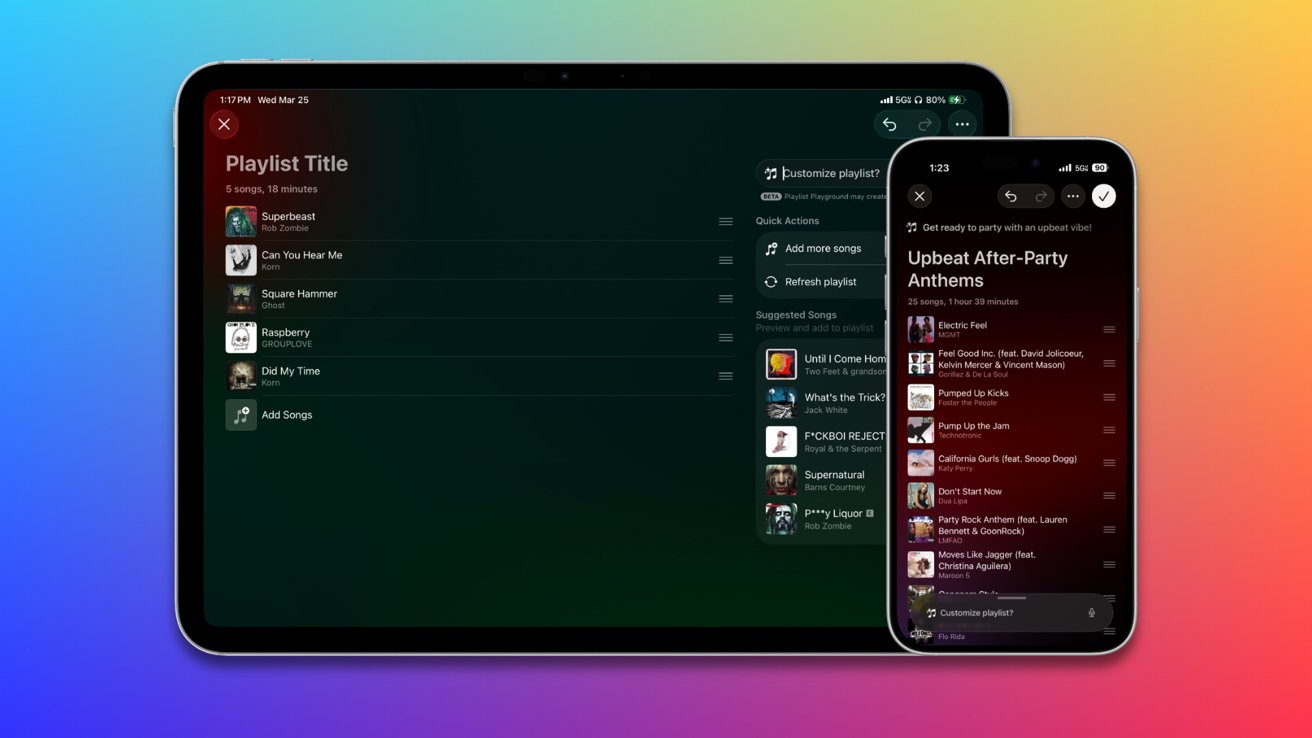
How to use Playlist Playground to build Apple Music playlists
Apple Music’s Playlist Playground feature is a prompt-driven playlist builder that’s fast and surprisingly useful, even if it won’t replace a carefully curated mix. Here’s how to start playing, and how well it works.
Apple added Playlist Playground to Apple Music on March 24 with iOS 26.4 and iPadOS 26.4. It lets users build playlists by describing what they want instead of adding songs one by one.
Building playlists in Apple Music takes time, especially when you’re chasing a specific mood. Playlist Playground cuts that down to a few seconds, making it useful as a starting point.
It’s more practical than starting from scratch or using tools like ChatGPT. You probably won’t keep the playlist forever, but it’s a useful way to kick things off.
Playlist Playground works well alongside Apple’s curated playlists by creating a full playlist from a short prompt about a mood, genre, activity, or mix of ideas. It returns a playlist with an auto-generated title and a tracklist that follows the tone you requested.
Once saved, it works like any other playlist and you can edit it right away. Playground usually creates coherent playlists but tends to stick to familiar tracks without more specific prompts.
Unfortunately, it is not yet included in macOS Tahoe. You’ll have to use your iPhone or iPad.
How to create a playlist on iPhone with Playlist Playground
- Open Apple Music.
- On iPad, tap New Playlist in the sidebar.
- On iPhone, tap Library, then tap New Playlist (+).
- Enter a prompt in the Playlist Playground field or choose a suggested idea.
- Tap Generate.
- Tap the checkmark or Done to save the playlist.
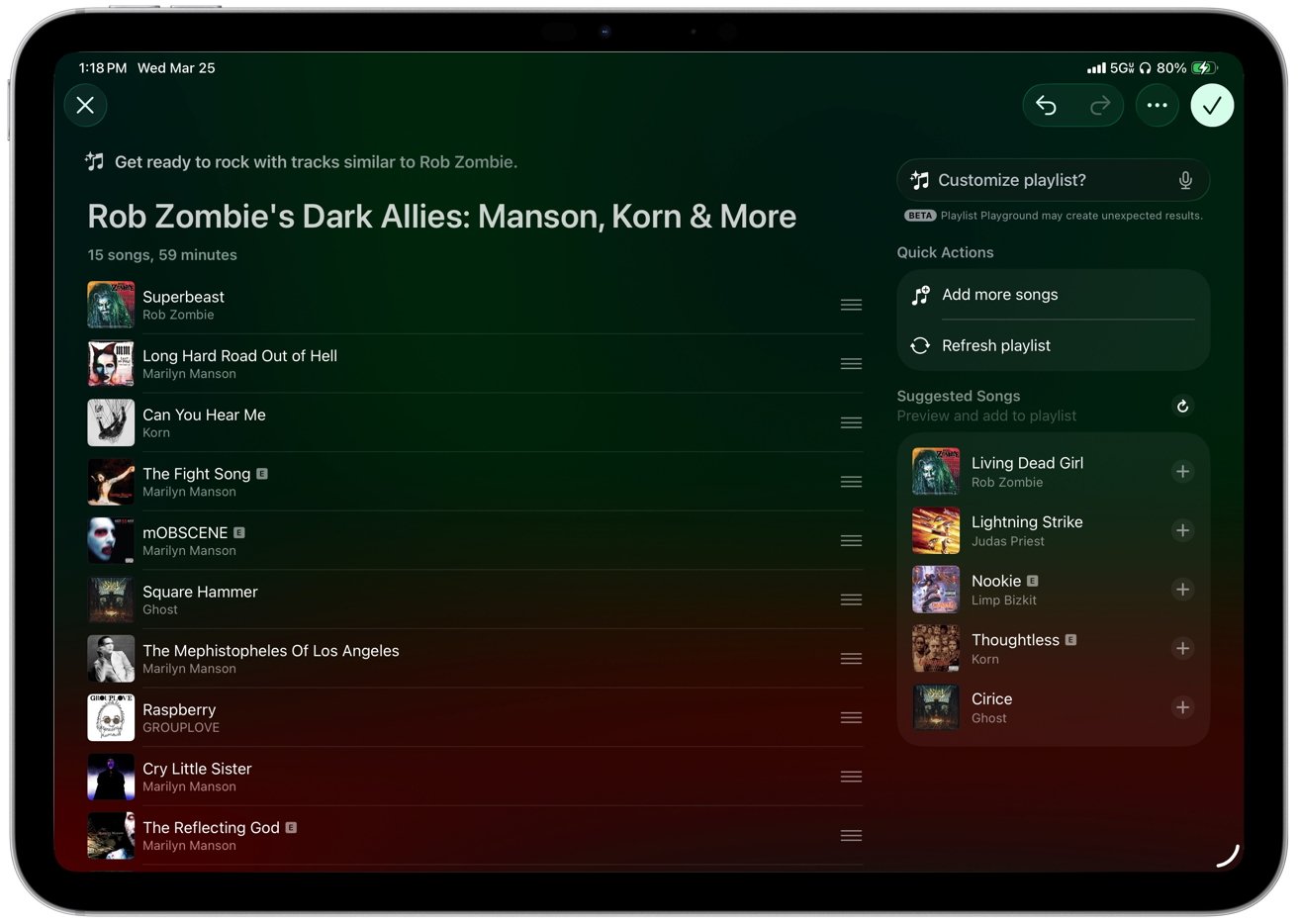
Creating a playlist in Playlist Playground
Playlist Playground sits inside the normal playlist flow, so it doesn’t feel like a separate feature. It lets you try a few variations quickly and settle on one that fits.
How well it works in practice
Results are usually coherent, but quality depends on how specific your prompt is. Broad requests give you safe, predictable mixes, while more detailed prompts produce better results.
For example, I created a playlist for my friend Kelly based on what I know about her musical taste. My prompt was short: “80s music, The Cure, Siouxsie, and Jesus Christ Superstar.”
Better prompts lead to better playlists. Combining a mood, genre, and context like “late-night electronic with no vocals” or “90s alternative for a long drive” improves the results.
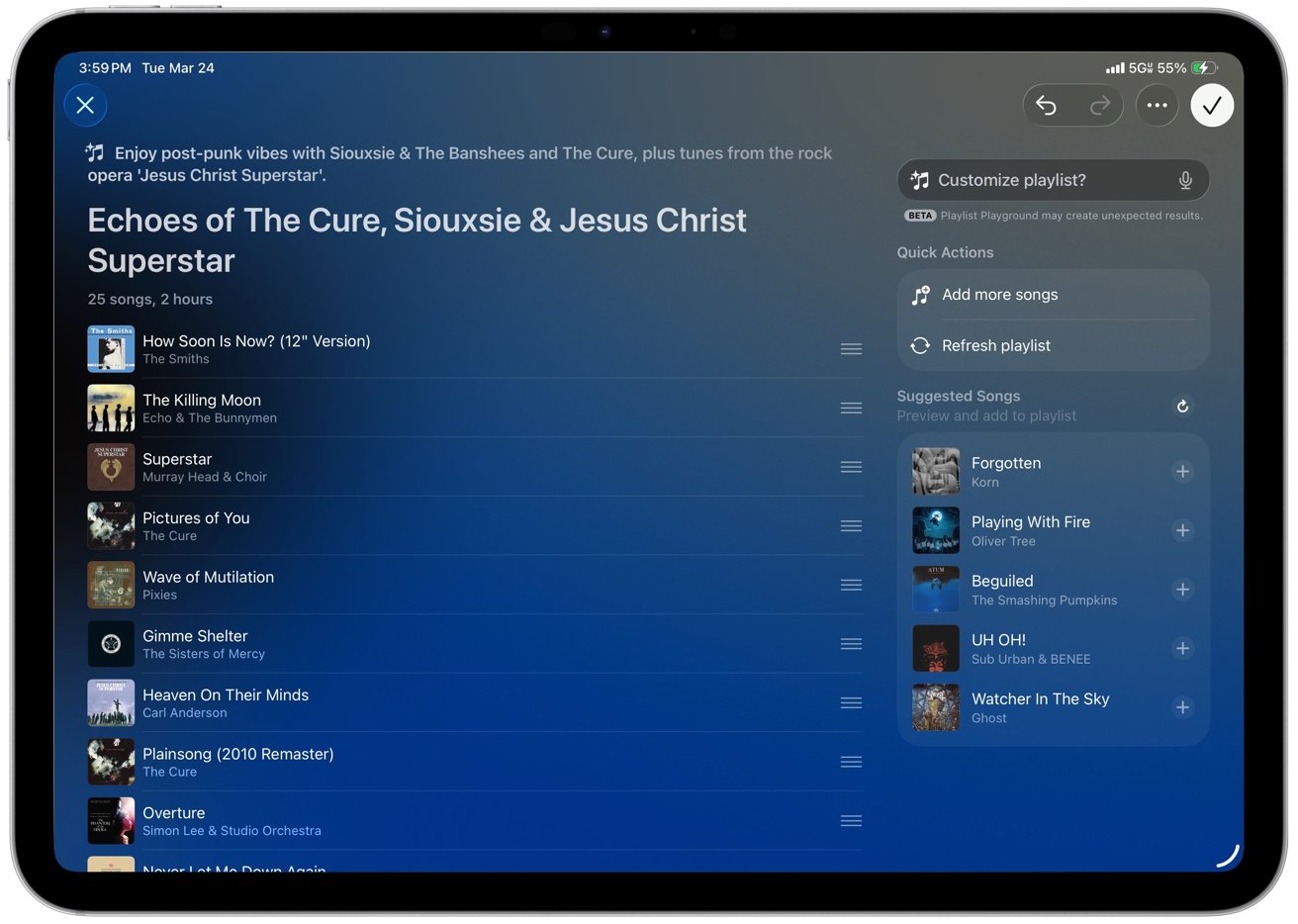
Playlist Playground can find inspiration from multiple bands in your prompt
If the first playlist feels too generic you can adjust the wording and generate another version. Playlist Playground usually improves the mix within a few tries.
ChatGPT works better if you’re aiming for something niche or highly curated. But I already like the integrated version in Apple Music, which is powered by Apple Intelligence.
Playground is a flexible version of Apple Music’s personalized mixes. You can describe exactly what you want, start listening right away, and then decide what’s worth keeping.
The feature turns into a discovery loop. You can play through the list and pull tracks into your own playlists.
Where it still falls short
Playlist Playground seems to favor well-known tracks, and some playlists feel predictable without more specific prompts. It follows your request, but it doesn’t consistently surface deeper cuts without more specific input.
A drawback of Apple Music on the iPad and iPhone is the inability to create smart playlists or even select music in bulk. If you create a Playground playlist and later change your mind after listening to it, you’ll be forced to manually delete each song unless you have a Mac.
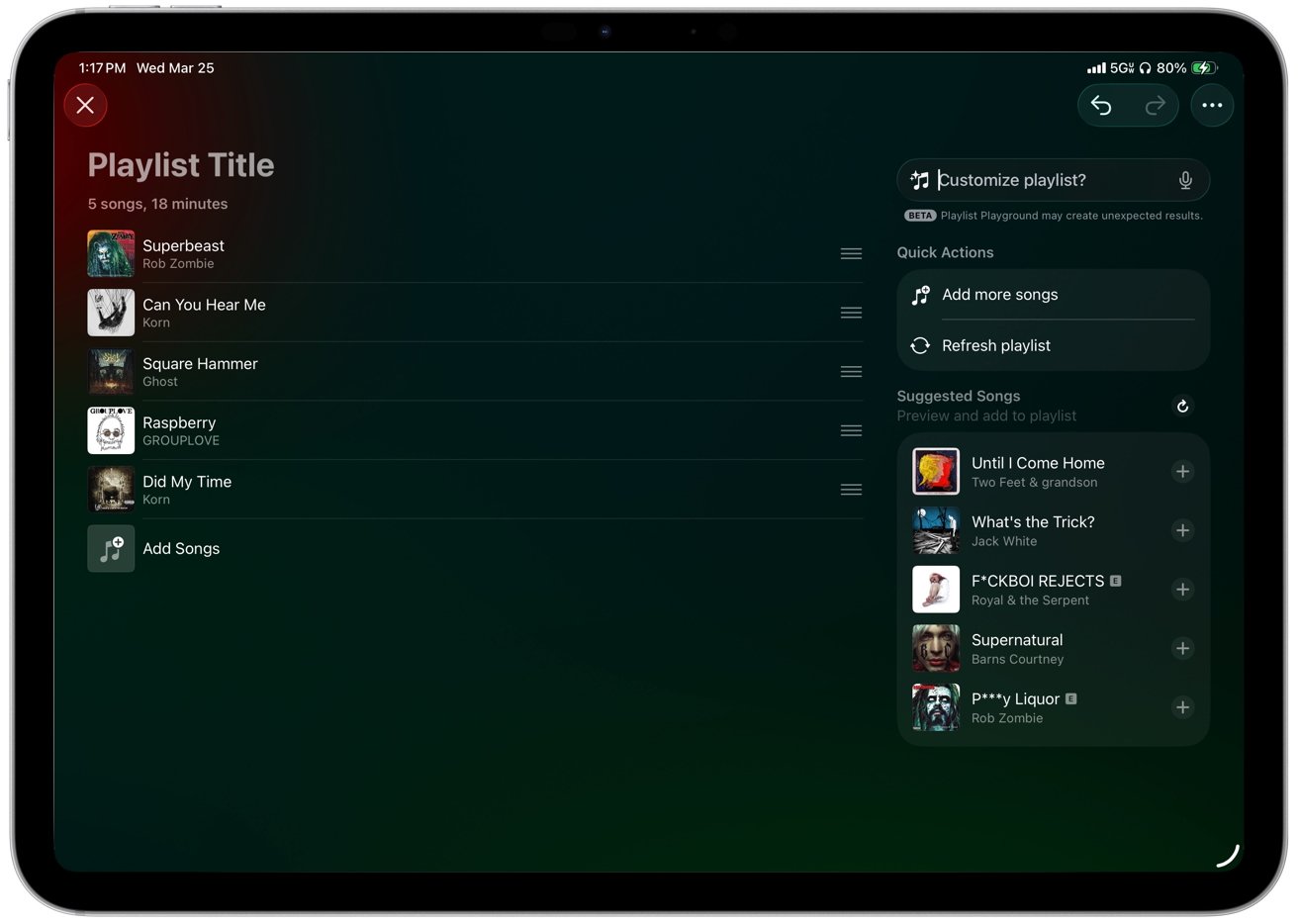
Songs get suggested and you can add them with a quick tap
Apple automatically names each playlist, and you can edit it just like any other playlist. However, Playlist Playground doesn’t generate cover artwork, which could be a fun feature since Apple Intelligence can create images in Image Playground.
Playground speeds up playlist creation, even if it doesn’t replace manual curation. It’s best as a starting point for iteration.
Apple Music’s Playlist Playground is listed as a beta version, so it will likely improve over time as Apple refines it. More user engagement will also help shape better results as the feature evolves.

Related Posts

First iOS 27, macOS 27 public betas are out

iOS 27 public beta: Should you install it on your iPhone?