Indie App Spotlight: ‘KeyAlarm’ turns your most important calendar events into alarms
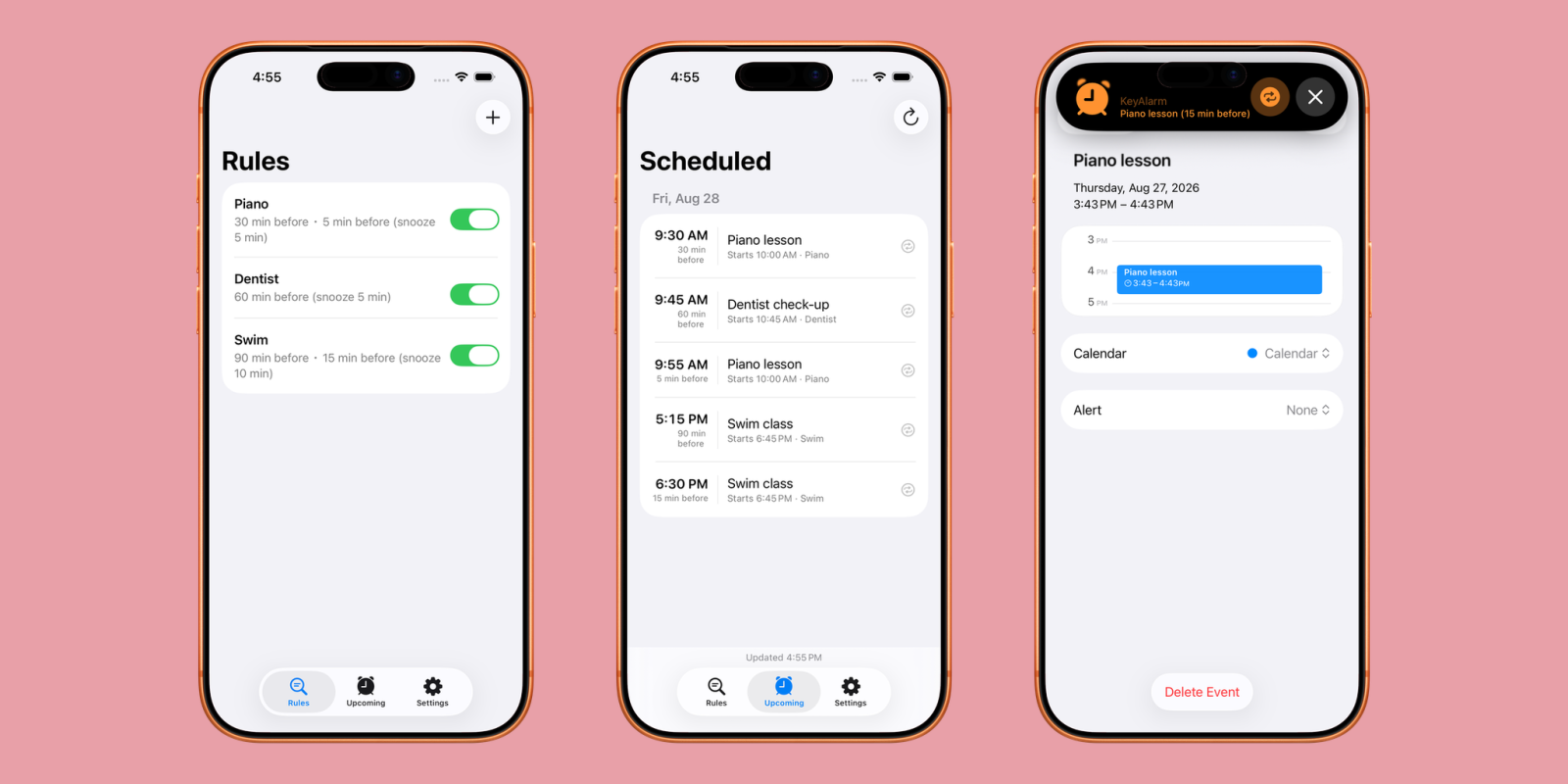
Welcome to Indie App Spotlight. This is a weekly 9to5Mac series where we showcase the latest apps in the indie app world. If you’re a developer and would like your app featured, get in contact.
Calendar events can often be missed, especially since they’re usually just a notification. If you’re in do not disturb or simply aren’t looking at your phone, you might not see it. With KeyAlarm, certain key calendar events can easily be turned into alarms, allowing you to always know about what’s most important.
Key features
As the name suggests, KeyAlarm works with keywords. For example, if you set the word “Dentist”, every future calendar event with the word in the title will automatically get an alarm, saving you the hassle of having to do it individually for every instance. You can also set how far in advance the alarm will go off, to give you time to drive or commute.
KeyAlarm also supports making multiple alarms for the same event. If you want one as an hour’s heads up, then another 15 minutes before you have to be there – the app supports that, and it’ll save for future events as well.
Lastly, you can also set an alarm for an entire calendar if you’d like. For instance, if you have one calendar for family events, one for personal, and one for work – you can shift the alarms accordingly. Keyword triggering can also be done on a per-calendar basis rather than globally. This is all made possible with the new AlarmKit framework in iOS 26.
Download the app
KeyAlarm is available for free on the App Store for iPhones running iOS 26 and later. The app functions in a trial mode at first, but after 30 days you’ll need to purchase the app outright for just $0.99.
My favorite Apple accessory recommendations:
Follow Michael: X/Twitter, Bluesky, Instagram


FTC: We use income earning auto affiliate links. More.