Apple’s new Mac mini quietly leveled up its multi-monitor game
Apple’s new M6 and M5 Pro Mac mini models arrived this Tuesday, and while the performance upgrades are grabbing headlines, Apple quietly improved something just as important for many of us: display support. If you run a multi-monitor setup, this update is worth noting.
So how many displays can you connect?
The display count itself hasn’t changed. You still get up to three external displays on both models. What’s different is how those displays look while running together.
On the M6 model, you can run two displays at up to 6K at 60Hz or 4K at 165Hz, a nice jump from the 144Hz ceiling on the M4. Add a third display, and you’re looking at 5K at 60Hz over Thunderbolt or 4K at 60Hz over HDMI.
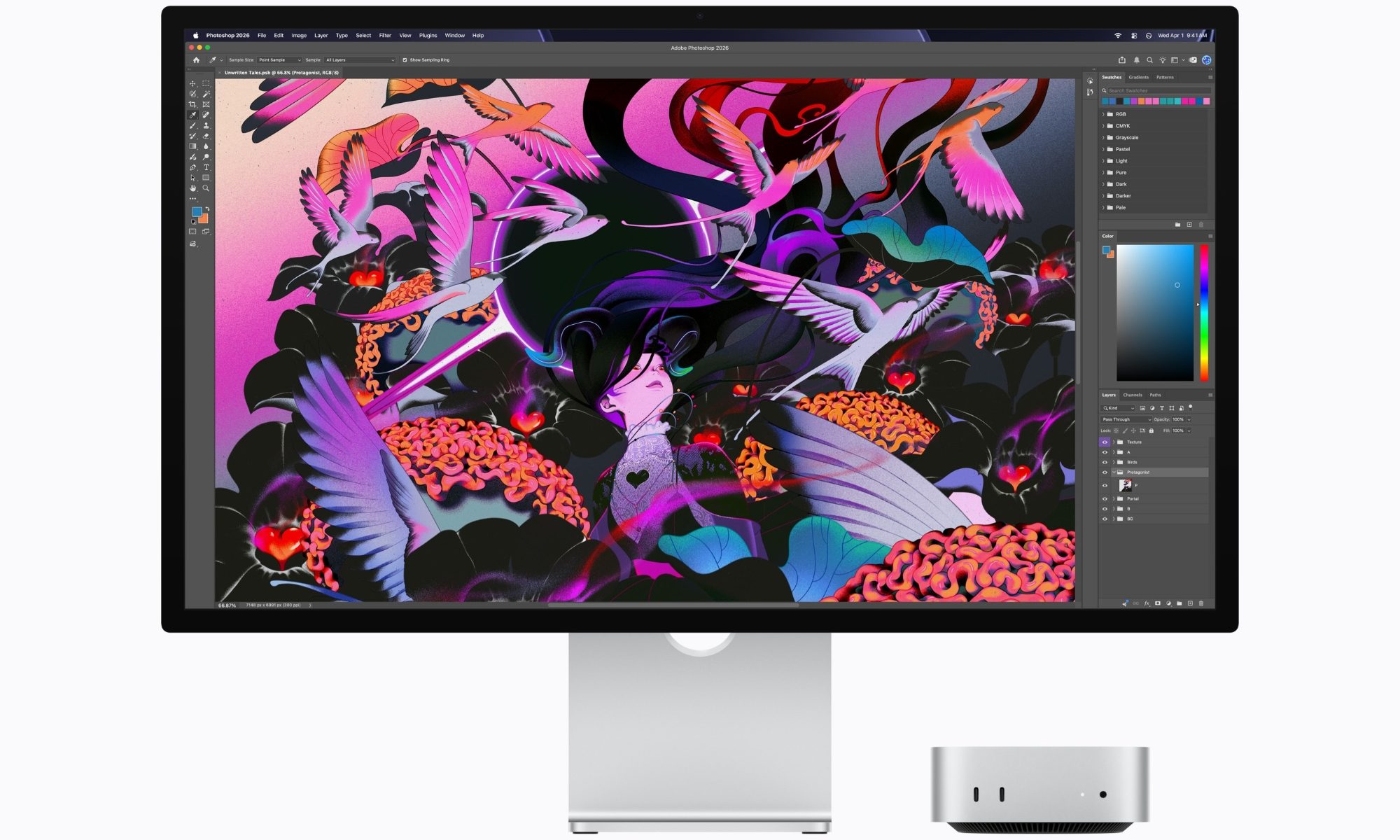
The M5 Pro model takes it further. All three displays can now hit 6K at 60Hz or 4K at 165Hz, up from the 144Hz cap on the M4 Pro. If you’re running just two monitors on the M5 Pro, the second display now supports 5K at 120Hz or 4K at 200Hz, a solid step up from the old 6K at 60Hz or 4K at 144Hz limit.
Single-display setups stay the same across both chips, topping out at 8K at 60Hz, 5K at 120Hz, or 4K at 240Hz.
What changed on the port side?
Here’s a neat detail. The M5 Pro model can now run all three displays through a single Thunderbolt port, while the M6 model still needs two ports to pull that off. That’s one less cable to hunt for if you’re setting up a proper workstation.
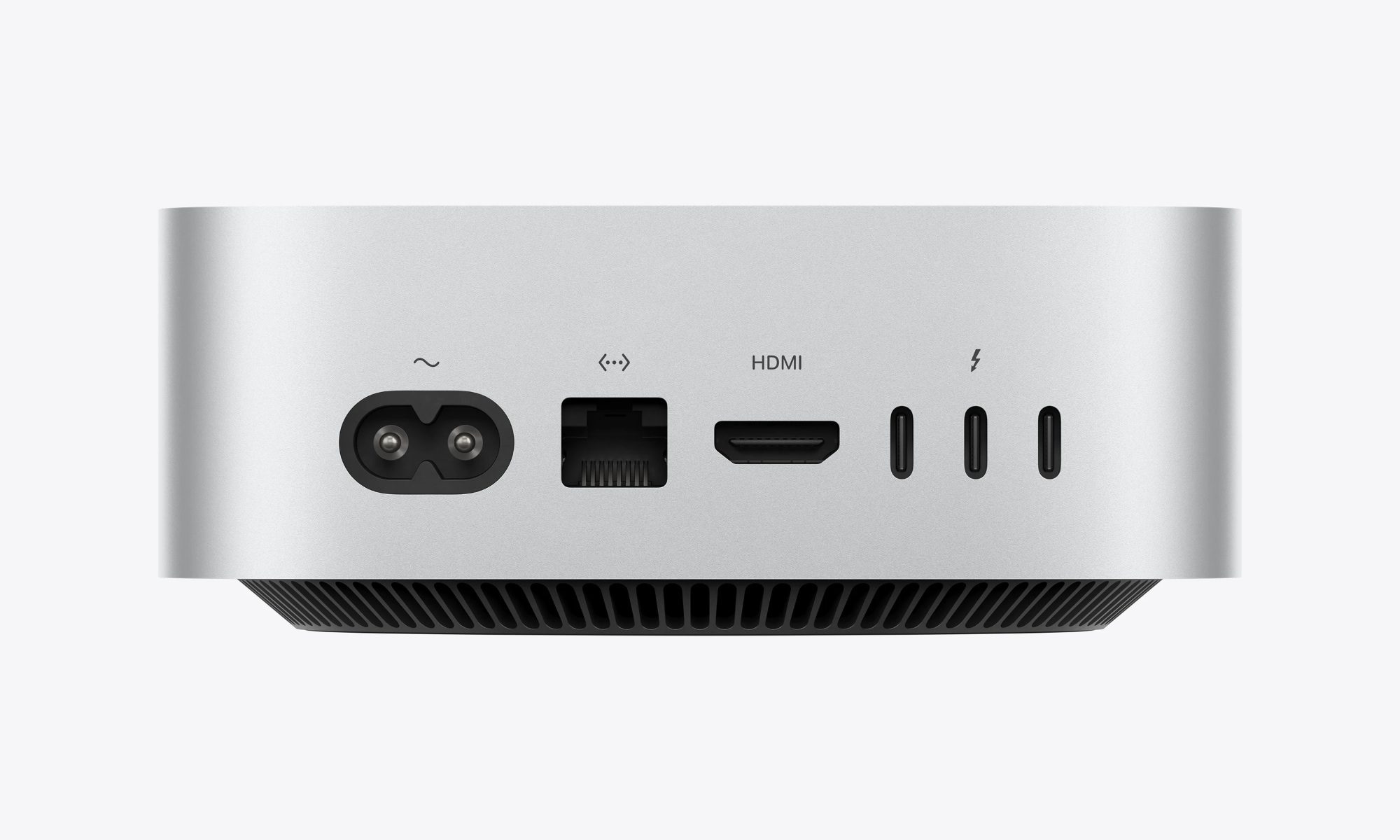
The ports themselves are also different generations. The M6 model sticks with Thunderbolt 4 and DisplayPort 1.4, while the M5 Pro upgrades to Thunderbolt 5 and DisplayPort 2.1.
Pre-orders for both models are open now, with shipping and in-store availability starting September 22. If a multi-monitor setup is part of your daily grind, this refresh rate bump alone might be reason enough to consider the upgrade.
