How Many Songs Can You Store On An iPod Nano?
It’s not hard to see why you might be thinking of pivoting back to using an old iPod or buying an old-school media player. Streaming platforms are expensive; they don’t let you own your music, and you’re inevitably glued to your phone or computer to use them, limiting your ability to log off altogether. Switching back to tech from not-so-long-ago takes all of those concerns completely out of the equation.
There is one obvious concern when it comes to turning back the clocks on your listening habits, though. Streaming services can feel almost infinite in their availability — if you’re looking for a song, there’s a good chance it’ll have it, and you don’t have to worry about having enough space on your device to access it. Media players like iPods are afflicted by the natural disadvantage of storage space. You can only hold so many songs on your device at once.
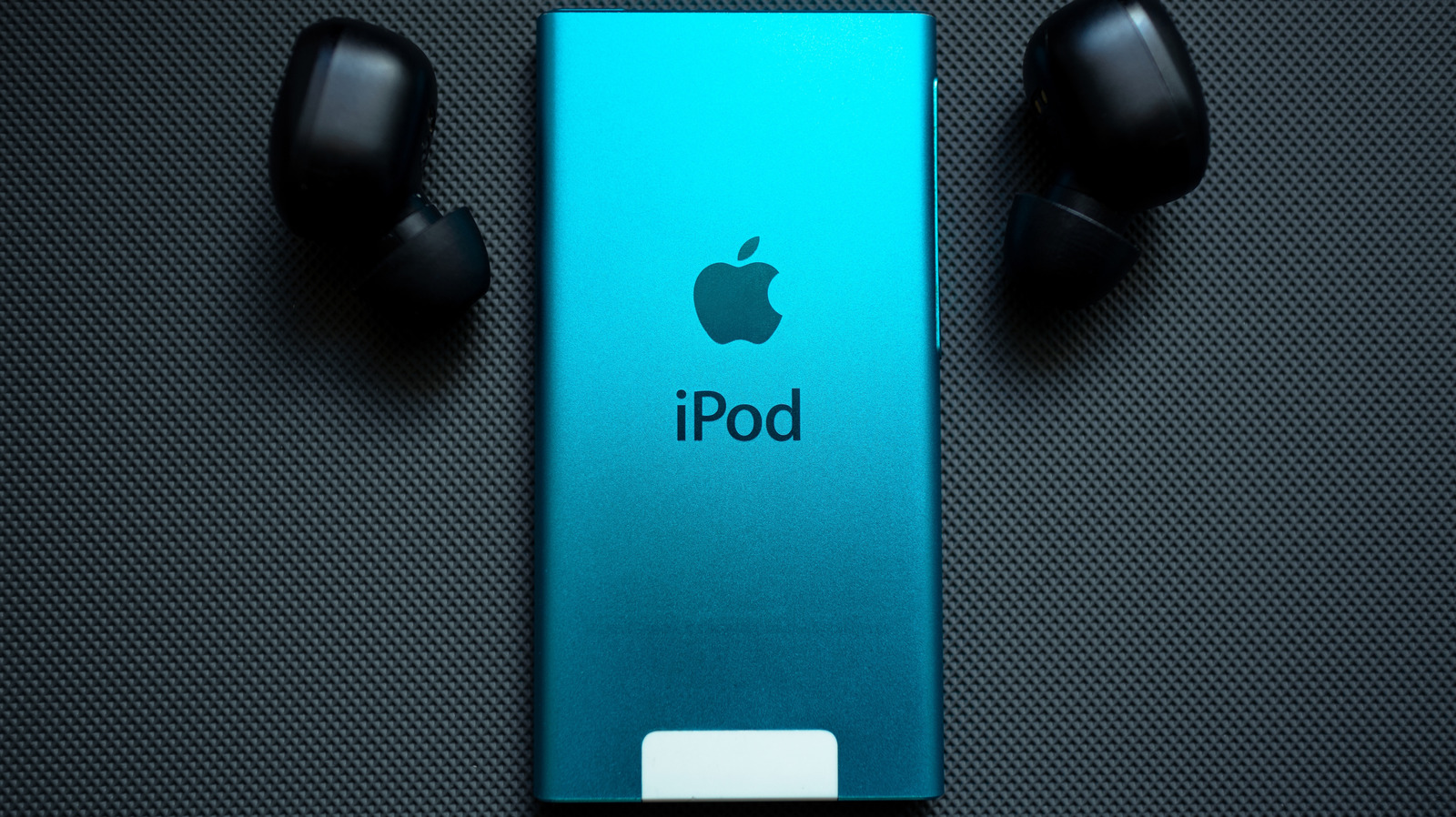
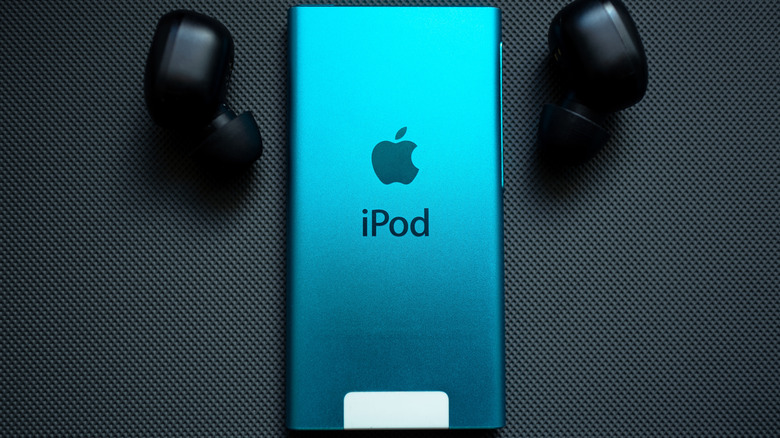
Thankfully, the iPod Nano — Apple’s compact cousin to the iPod Classic — can hold a surprisingly large number of songs at a time. Exactly how many depends on which iPod Nano size you have and how large each file is, but you can get a rough idea from Apple’s official documentation. Assuming that each song is around 4 minutes long on average, and that it uses 128-Kbps AAC encoding, you can expect to store about 4,000 songs on a 16 GB iPod Nano. As you might have guessed, that scales: an 8 GB iPod Nano can hold around 2,000 songs, while one with 4 GB of storage can hold about 1,000 songs, and a 2 GB iPod can hold 500 songs.
Is an iPod Nano still worth it?
If you’re looking for a cheaper alternative to streaming, switching to an iPod isn’t a bad idea. It can save you money, since you aren’t paying out every month, and it leaves you with something tangible for the cash you’ve coughed up afterward. The switch could be worth it for that reason alone.
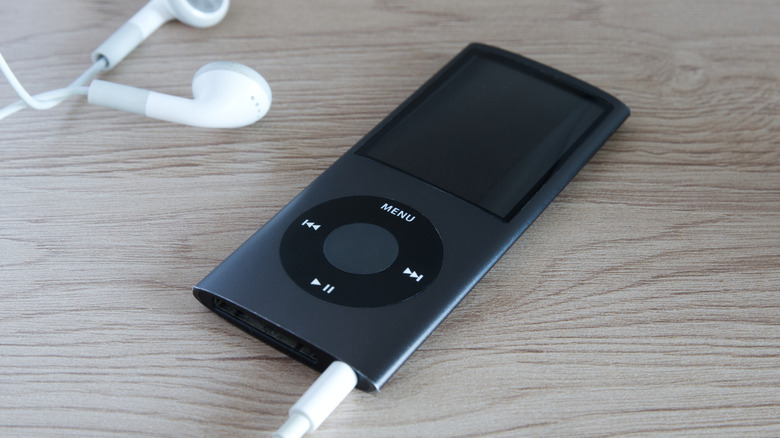
Depending on where you shop and which model you choose, you can pick up an iPod Nano for between $31 and $195, with a little leeway on either side. Considering a single year of Spotify Premium costs around $156 for a monthly subscription, you can easily save money if you bag a good deal and can cover the upfront cost. However, what you spend on your iPod itself isn’t quite the full picture; there are extra costs too. For example, Bluetooth was only added to 7th-generation iPod Nanos, so if you pick up an older model, you’ll also need to invest in wired headphones unless you already have them.
Similarly, owning your own music also comes with a small snag: you also need to buy those files yourself. If you’ve been on the streaming train for a long time, then you might’ve just about stopped buying digital music altogether. In turn, you might not have much music to load onto your player, creating another hurdle on your musical journey. Despite that, you might be surprised by how much music you might have lying around ready to load into your iTunes library. After all, most modern vinyl comes with a download code for a digital version of your album, and if you have a drive, you can also rip any CDs you might have.
Where can you buy an iPod Nano?
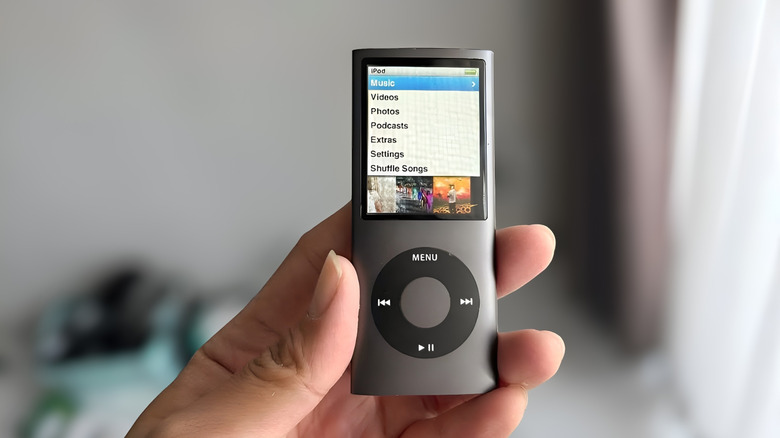
Even though the iPod Nano effectively went extinct when Apple discontinued it in 2017, you can still buy used, second-hand, and refurbished devices from a number of places. If you want to get on the media player track quickly, your best bet is likely online shopping. Platforms like Back Market, eBay, and Swappa all sell iPod Nanos with home delivery options. Just be sure to check individual listings for any details about the device’s condition and warranty before you buy, alongside any reviews for individual sellers on the latter two marketplaces. For example, you might want to shop for a refurbished device instead of a heavily used one to make the most of your iPod’s battery life.
In case you have a little more time on your hands and enjoy bargain hunting, you also might be lucky enough to come across an iPod Nano at a thrift store, yard sale, or on a platform like Gumtree or Facebook Marketplace. Plus, you never know what CDs you might find for your collection while crate digging. All that fun can come with a downside, though — you don’t really know the condition of your device, and it probably hasn’t been tested or refurbished by a professional. So, your best bet is probably still to try and buy your iPod Nano through a reputable online platform. That way you’re more likely to make the most out of your money.